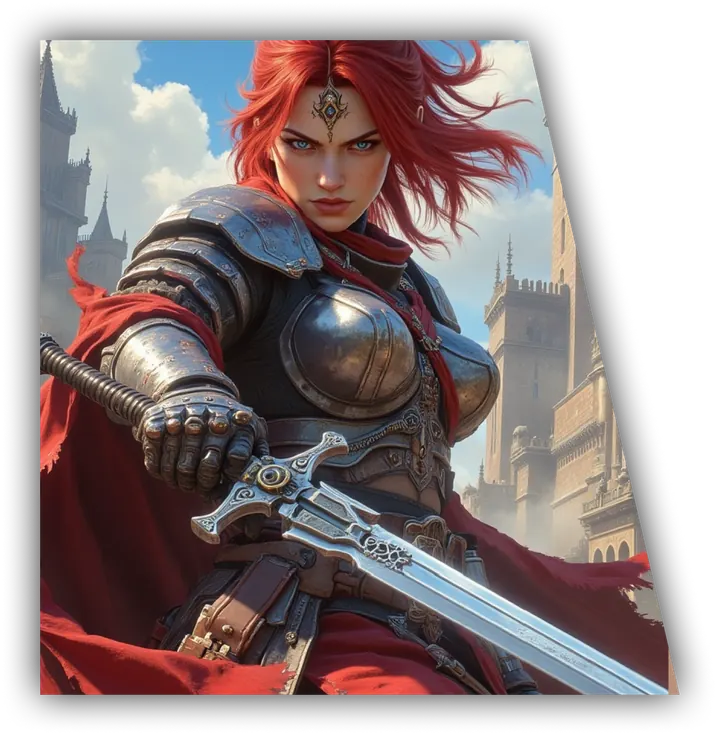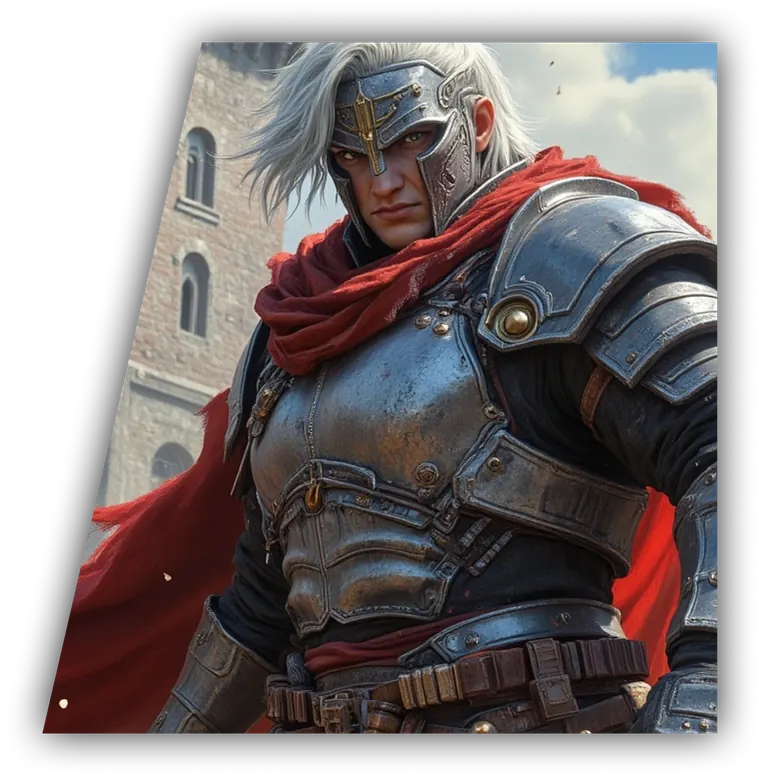
Beginner
Follow short, clear passages built with familiar words and simple sentence patterns. Japanese stories favor basic kanji.
Choose a language and reading level, then become the main character in an AI-generated story. Runebook adapts the Storyteller's vocabulary and sentence complexity so the adventure is easier to follow as you learn.
Language Learner Mode changes how the Storyteller writes, without changing the characters, danger, choices, or consequences in your story.
Follow short, clear passages built with familiar words and simple sentence patterns. Japanese stories favor basic kanji.
Read everyday vocabulary and clear grammar while the story keeps moving around the choices you make.
Practice more varied, natural language while uncommon words appear sparingly and remain understandable from context.
You can choose Japanese, Spanish, or English, then play a preset story or create a world of your own.
Runebook does not interrupt the adventure with quizzes or turn it into a formal lesson. You learn by reading what happens, deciding what your character does, and seeing how the world responds.
Words arrive inside conversations, discoveries, conflicts, and consequences. Instead of memorizing an isolated phrase, you understand why it matters in the scene.
Simpler language does not mean a simpler story. You still choose what to say, where to go, whom to trust, and what risks to take. The Storyteller changes the expression, not the events.
The mystery is still a mystery. The rival still remembers. The language is simply easier to follow.
Practice through fantasy, romance, mystery, horror, manga-inspired stories, historical drama, or a custom idea that belongs entirely to you.
Begin creating a new Runebook story.
Select a preset story or create a custom one.
Choose the language you want to read and practice.
Continue until you reach the Game Settings screen.
Enable Language Learner Mode.
Select Beginner, Elementary, or Intermediate.
Finish creating the game and play naturally in the language you are practicing.
Choose the language you want to practice before the story begins. The Storyteller writes new passages in that language and follows the reading level you selected.
The feature can work with any language Runebook supports. Japanese and Spanish are especially useful starting points because you can combine accessible story prose with natural choices written in the language you are learning.
A story gives every sentence a reason to exist. You read because someone lied, a door opened, a friend needs an answer, or your last choice changed the situation. That momentum makes practice feel less like study and more like play.
Language Learner Mode applies to Storyteller passages after play begins. A preset story's authored opening may contain more advanced language before the selected level takes effect.
Language practice works better when the story gives you a reason to continue.
Choose a language. Become the main character.
Start Your StoryNow in Early Access. Start your story free.